
When a patent litigator cites evidence at 2:59–3:7, the text must be exact and the lines must be correct. There is no margin for error.
PDF extraction tools are everywhere, but structured, citable patent data is a different problem. This post covers what makes it hard, how we solved it, and why it matters for litigation-ready work product.
Why Patent PDFs Are Difficult
Format variation across patent offices
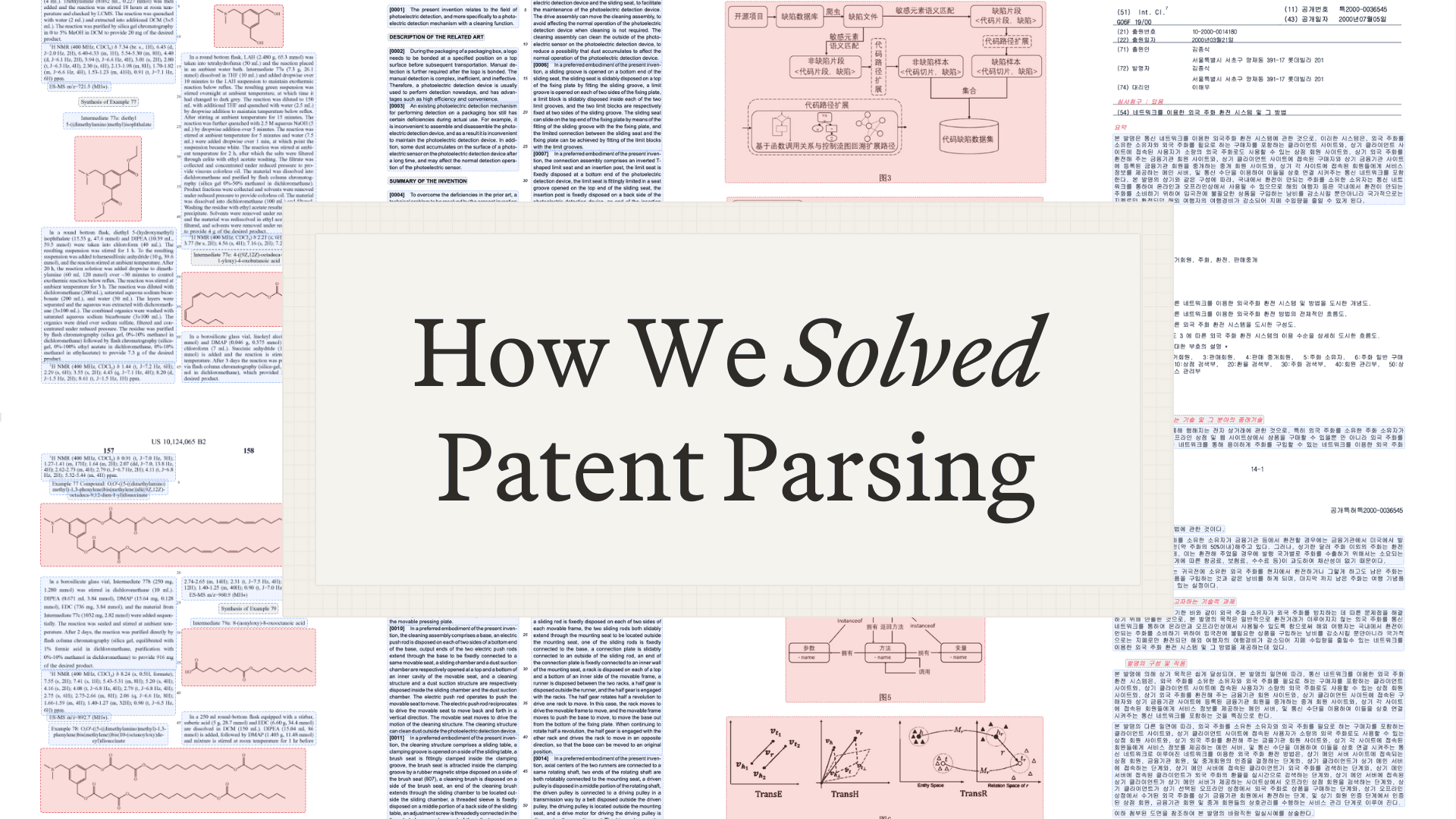
WIPO allows essentially any format. National phase entries vary depending on the originating country. Some have paragraph markers in the margin. Some embed markers in the text. Some have neither. A parser tuned for one WIPO document will fail on the next.
U.S. patents and patent application publications both use two-column layouts, but citations work differently: granted patents provide column and line numbers and applications provide paragraph numbers.
Other patents use single-column/two-column layouts and cite with line numbers or paragraph markers.

Calculating line numbers
For U.S. patents, line numbers are essential for citation, but OCR software doesn’t understand what a line number is—it simply identifies text blocks with bounding boxes.
Sometimes the line markers get recognized as separate blocks. Sometimes they get merged into the paragraph text, producing “15 The present invention…” instead of “The present invention…” with a separate line marker. Sometimes they’re missing entirely on pages with poor scan quality.

Properly identifying figures and their indices
Patent figures need to be extracted, labeled, and made citable. A reference to “Figure 3A” should resolve to the actual image, but figures come in many forms:
- Single figures with simple labels (“FIG. 1”)
- Multi-part figures (“3A,” “3B,” “3C”) that may span multiple detected regions
- Figures interspersed with description text
- Japanese-style labels (“【図1】”) that OCR engines often misread
- Figures spanning full pages v. embedded in text columns

General PDF issues
Beyond patent-specific problems, we deal with standard PDF extraction challenges amplified by the age and variety of patent documents:
Rotated scanning. Pages scanned at odd angles. Portrait pages mixed with landscape. OCR engines can struggle with rotation, producing garbled text or misaligned bounding boxes.
Poor scanning quality. Patents include documents scanned from physical files—sometimes from decades ago. Faded text, photocopier artifacts, and low-resolution are common issues across patent portfolios.
The combination of patent-specific formatting complexity and baseline PDF quality issues makes this problem much harder than general document extraction.

How We Built Reliable Patent PDF Parsing
Our approach combines four layers: best-in-class OCR, custom rule-based post-processing, LLM-assisted correction, and extensive testing.
Best-in-class OCR
We don’t build OCR from scratch. We use Reducto for the initial document processing—they’ve invested heavily in layout detection, table extraction, and handling the baseline PDF challenges.
OCR is only the first step. It gives you extracted text plus bounding boxes for where that text appears on the page. The important part is transforming that into patent-aware structure: reconstructing layout and hierarchy (paragraphs, lines, columns, page/line numbering), and correctly segmenting the document into meaningful sections—bibliographic/front matter, drawings, specification, and claims—so the result is usable structured data, not just positioned text.
Rule-based processing
For well-defined problems, rules are more reliable than models. We've built extensive rule-based processing that allows for fast and efficient post-processing, including to address the problems mentioned above:
Line number detection with regression. For U.S. patents, we detect numeric blocks positioned in gutter zones (left margin, right margin, or center gutter for two-column layouts), filtering out page numbers by vertical position before fitting a linear regression model. We calculate R² and residual standard deviation to measure confidence, and when OCR merges a line marker into paragraph text (“15 The present invention…”), we detect the pattern and split it—the regression model tells us what line number should appear at that y-position.
Column layout detection. Column layout varies by office. For example, U.S. patents typically have two columns while European patents are typically a single column. We analyze text block positions to determine layout. The number of x-axis clusterings tell us how many columns appear on the page
Paragraph marker handling. European patents and some international publications use [XXXX]-style paragraph markers. These may appear in the margin or embedded in text. We detect both patterns and normalize them for consistent referencing.
LLMs for error correction and classification
While rules handle well-defined patterns, LLMs handle ambiguity and error correction.
Error correction in bounding boxes. When OCR produces bounding boxes that don’t quite align—text fragments split across blocks, or multiple elements merged into one—we use LLMs to identify and correct these errors. The model understands what a coherent paragraph should look like, even when the raw OCR output is fragmented.
Section identification. For international patent applications where heuristics fail, we use LLM-based page classification. Each page gets classified into sections: bibliography, description, claims, figures, or sequence listings. We run these classifications in parallel and capture transition text when pages contain multiple section types.
Figure label extraction. After identifying figure regions, we use LLMs to extract labels (“FIG. 3A,” “Figure 3,” “【図3】”), determine figure indices, and handle multi-part figures. This is more reliable than regex patterns given the variety of labeling conventions across patent offices.
Rigorous testing infrastructure
Building parsers isn’t enough. We need to know they work correctly on real documents, at scale, in production.
Regression suite. We maintain thousands of regression tests against real patent documents. When we find a new edge case, we add the problematic document to the test suite. This creates a comprehensive corpus of edge cases that prevents regressions.
LLM-based error detection. Beyond regression tests, we use LLMs to audit parser output. Given a patent and our extracted structure, does the output make sense? This catches errors that pass rule-based validation.
Used with real customers in real cases. The ultimate validation is production use. We’ve processed tens of thousands of patents for actual IPR petitions, claim charts filed in district court, and licensing analyses used in negotiations.
What Reliable Parsing Enables
Reliable parsing is the foundation that enables everything practitioners actually care about.
PDF navigation
Navigate patents through the PDF. Click any citation in a claim chart and jump to that exact location in the document—no scrolling or searching. You can verify every citation in seconds.

Accuracy of citations
Every claim chart and IPR petition relies on verifiable citations.
Our parsing infrastructure means every &AI citation resolves to the exact text at the exact location. When we return “2:59–3:7” that's because we parsed the two-column layout, detected the line numbers via regression, and mapped the text to its precise coordinates in the PDF.

Trial-ready claim charts
When &AI generates claim charts, the output is ready for filing. That means:
- Every citation includes accurate column, line, and paragraph references
- Figure references link to the correct images
- Quoted text matches the source document exactly
We’ve invested in parsing infrastructure—Reducto for OCR, custom rules for patent-specific patterns, LLMs for error correction, thousands of regression tests from real litigation use—because we build for patent litigation, where being wrong has consequences.
If you’re evaluating patent AI platforms, ask how they handle document parsing. The answer tells you whether the tool was built for real litigation work.
Ready to see reliable citation extraction in action? Request a demo to get started.
Frequently asked questions
Why is parsing patent PDFs harder than general document extraction?
Patent PDF parsing is harder because it combines patent-specific formatting complexity with baseline PDF quality issues. Formats vary across patent offices, with U.S. granted patents citing by column and line number, applications citing by paragraph, and international publications using different conventions entirely. On top of that, patents include documents scanned from physical files, sometimes decades old, with rotated pages, faded text, photocopier artifacts, and low resolution that cause OCR to produce garbled or misaligned output.
How does &AI calculate accurate line numbers for U.S. patent citations?
&AI detects numeric blocks positioned in gutter zones such as the left margin, right margin, or center gutter, filters out page numbers by vertical position, then fits a linear regression model to the line markers. It calculates R² and residual standard deviation to measure confidence, and when OCR merges a line marker into paragraph text, such as "15 The present invention," it detects the pattern and splits it, with the regression model indicating what line number should appear at that y-position.
What technology does &AI use to parse patents reliably?
&AI's approach combines four layers: best-in-class OCR, custom rule-based post-processing, LLM-assisted correction, and extensive testing. It uses Reducto for initial document processing, applies rules to well-defined problems like line number detection and column layout, and uses LLMs for ambiguity such as bounding-box error correction, section classification, and figure label extraction. The result is patent-aware structured data segmented into bibliographic matter, drawings, specification, and claims, not just positioned text.
How does &AI ensure claim chart and IPR petition citations are accurate?
&AI's parsing infrastructure means every citation resolves to the exact text at the exact location in the document. When &AI returns a citation like "2:59–3:7," it does so because it parsed the two-column layout, detected the line numbers via regression, and mapped the text to its precise coordinates in the PDF. Users can click any citation in a claim chart to jump to that exact location and verify it in seconds.
Has &AI's patent parsing been tested on real litigation documents?
Yes. &AI maintains thousands of regression tests against real patent documents, adds new edge cases to the test suite as they are found, and uses LLMs to audit parser output for errors that pass rule-based validation. The ultimate validation is production use: &AI has processed tens of thousands of patents for actual IPR petitions, claim charts filed in district court, and licensing analyses used in negotiations.
What does reliable patent parsing enable for litigators?
Reliable parsing is the foundation for litigation-ready work product, including PDF navigation, accurate citations, and trial-ready claim charts. When &AI generates claim charts, every citation includes accurate column, line, and paragraph references, figure references link to the correct images, and quoted text matches the source document exactly. The article suggests that when evaluating patent AI platforms, asking how they handle document parsing reveals whether the tool was built for real litigation work.

Scale your
patent expertise
&AI is a platform for patent litigators to craft trial-ready work product—fast enough for pitches, strong enough for court.